


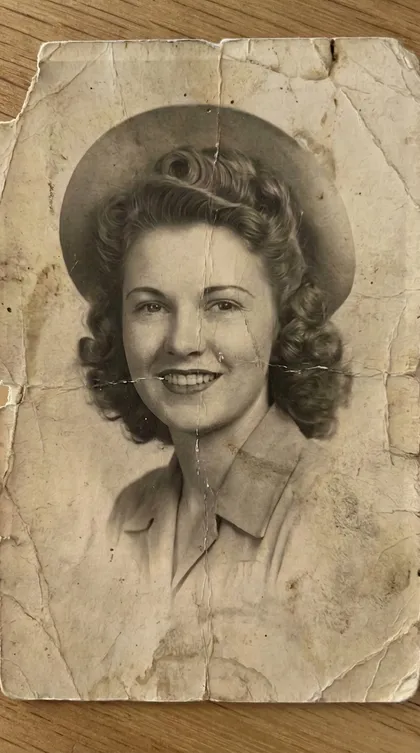
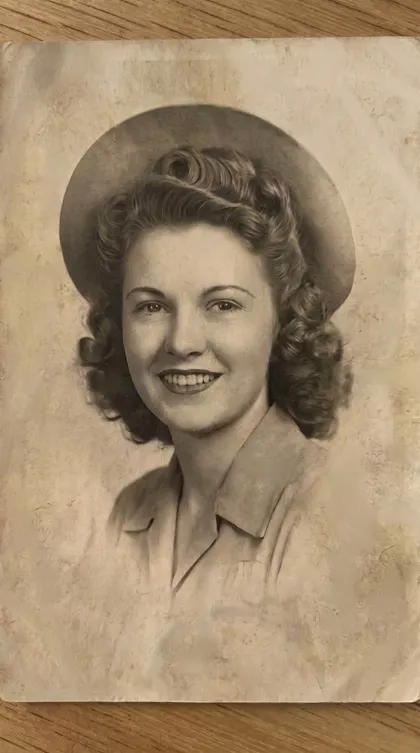
First: the damage comes off
Creases, tears, and seventy years of wear, repaired while the grain and light of the original stay untouched.
Aion is an iPhone app that restores old, damaged, and faded photos. It repairs scratches, sharpens blurry faces, adds natural color to black and white pictures, and upscales them for print, all while preserving the grain, light, and character that make the photo real.
Five specialist restoration tools in one app. No editing skills needed.
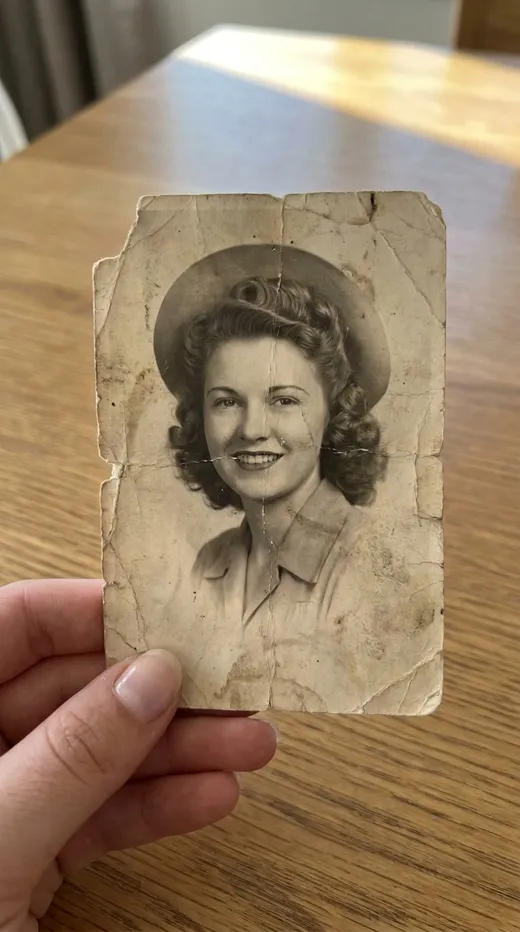
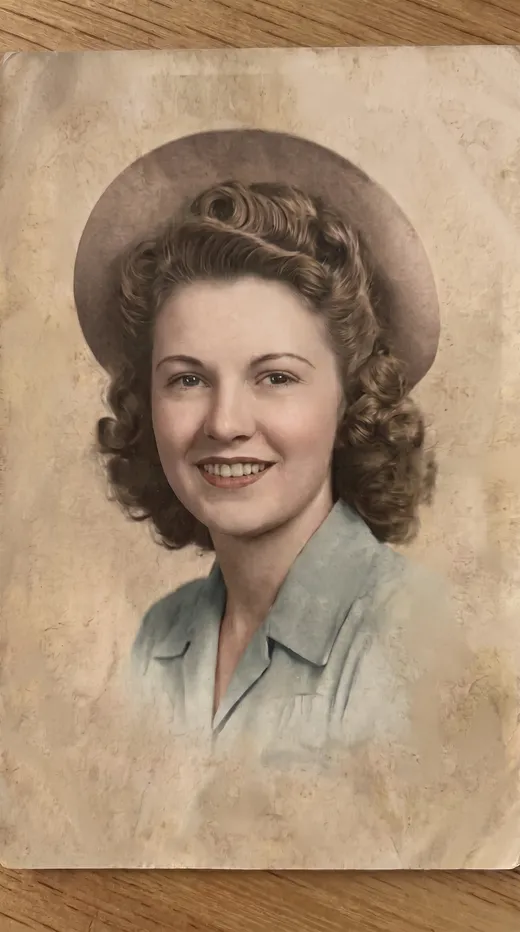
A creased, faded portrait from the 1940s, repaired, restored, and colorized with Aion, one treatment at a time. No retouching studio, no editing skills. Just a phone.
Creases, tears, and seventy years of wear, repaired while the grain and light of the original stay untouched.
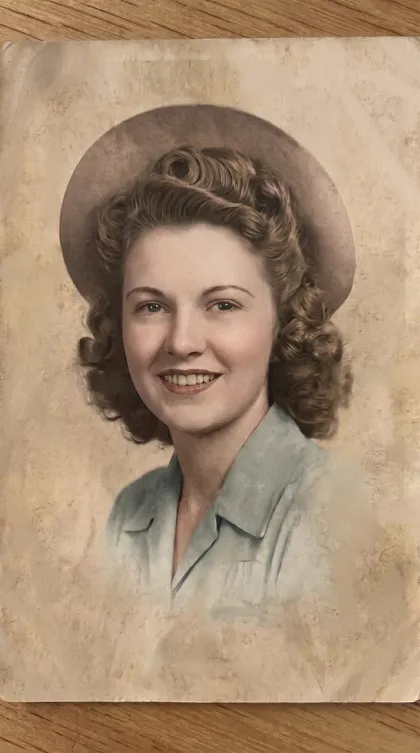
Natural, period-true color, not a painted-on filter. Her face stays hers.
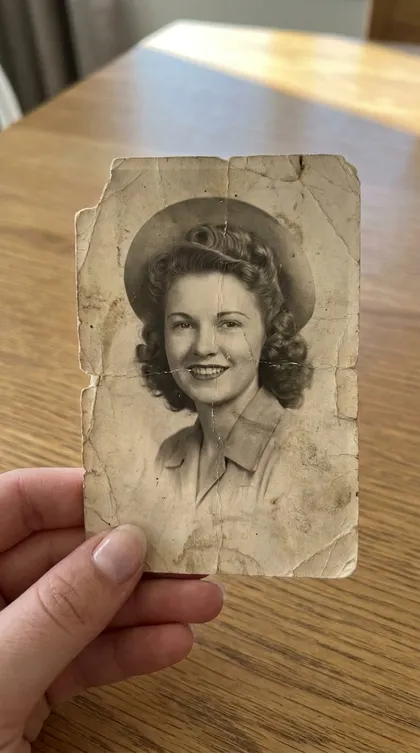
The full journey: a print that was falling apart, now clear enough to share, print, and pass on.
No layers, no masks, no tutorials. If you can take a photo, you can restore one.
Choose what your photo needs: scratch repair, full restoration, face restore, color, or upscaling.
Scan the physical print with your camera or pick one from your photo library, then confirm.
The photo runs through the specialist model for that job. Longer restorations finish in the background and notify you.
Check the before and after side by side, then save to Photos, print it, or share it with family.
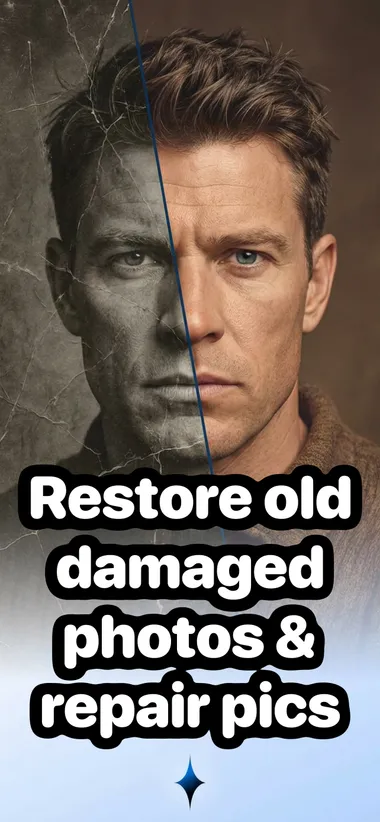
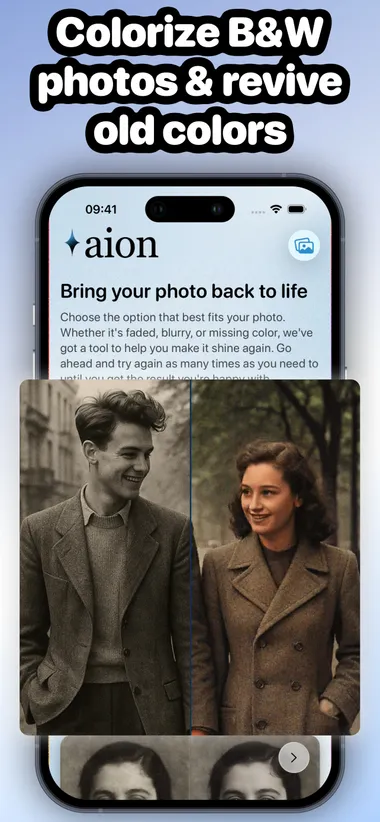
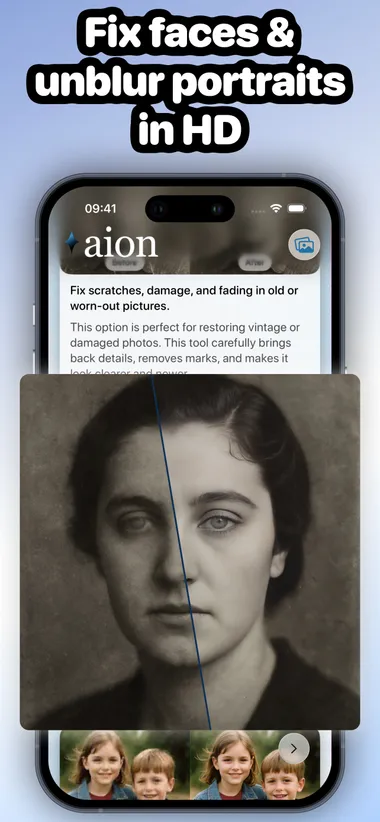
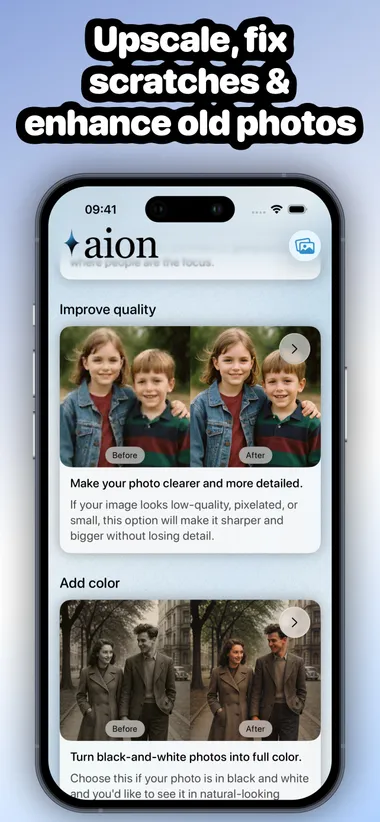
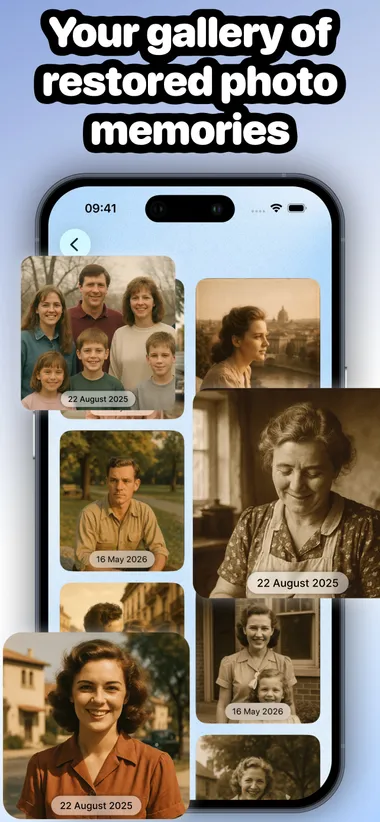
No. Aion is built to repair, not reinvent. It removes damage while preserving facial features, film grain, lighting, and the period character of the original photograph. Every restoration shows you a before and after comparison, so you can judge the result before you save it.
Neither. Aion is a photo restoration app: it repairs scratches, sharpens faces, adds natural color, and upscales resolution using a specialized AI model for each job. It does not stylize, modernize, or turn your photo into something it never was.
Aion repairs scratches, creases, tears, stains, and fading, sharpens blurry faces and eyes, colorizes black and white photos, and upscales small or low-resolution images. Each problem has its own dedicated treatment, and you can run more than one on the same photo.
Yes. The Add Color treatment turns black and white photos into natural-looking color, with believable skin tones and period-true colors rather than a painted-on effect.
That is what the Improve Quality treatment is for: it sharpens and upscales low-resolution photos so they hold up at print sizes, whether for framing, photo books, or family gifts.
No. Aion scans physical prints directly with your iPhone camera, or you can import photos already in your library. You confirm the photo before any restoration starts.
Nothing is processed without your confirmation. Restorations run through secure AI services, and your finished photos are saved to a private gallery inside the app, where you can compare, share, save to Photos, or delete them.
The one in the shoebox. The one in your mom's album. The only one you have of someone you miss. Bring it back, and keep it.
Get Aion on the App Store